From a screenshot
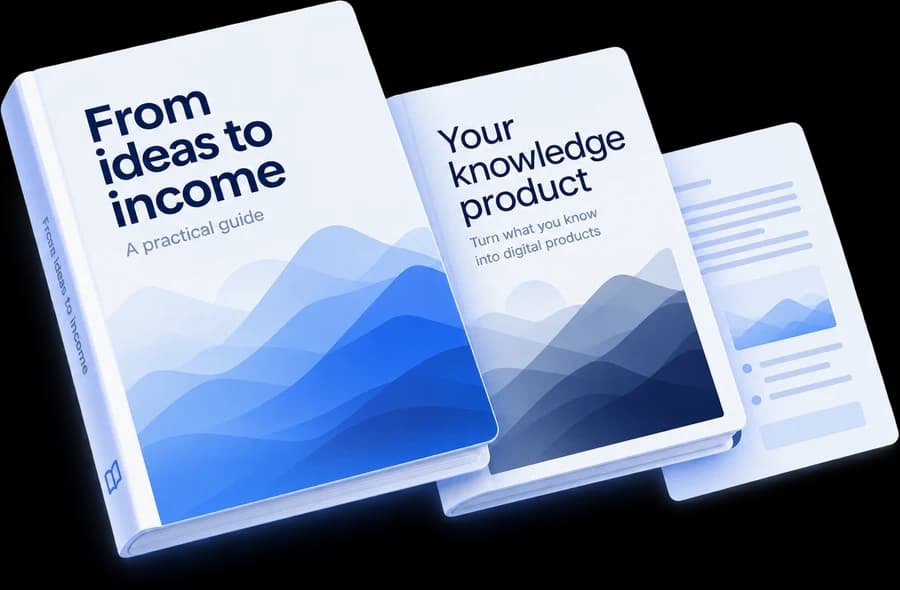
to a digital product.
Describe your idea or add a reference. OwnEbook helps plan, write and design your book — ready for your review and PDF export.Turn your idea or a reference into an AI-generated book with OwnEbook. Plan, write and design in one workspace, then review your pages and export. You see the price before you start.
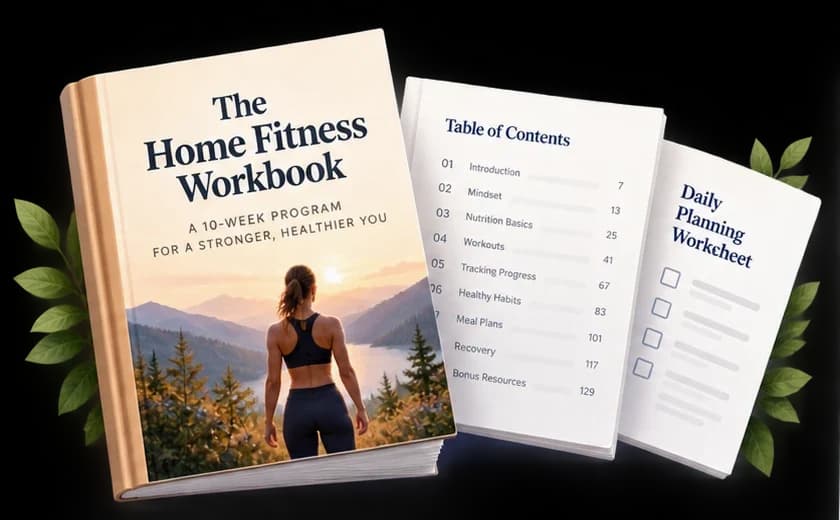





a product
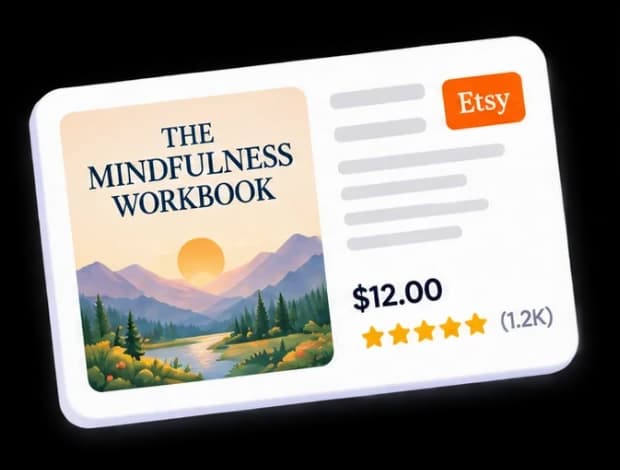
creates your version
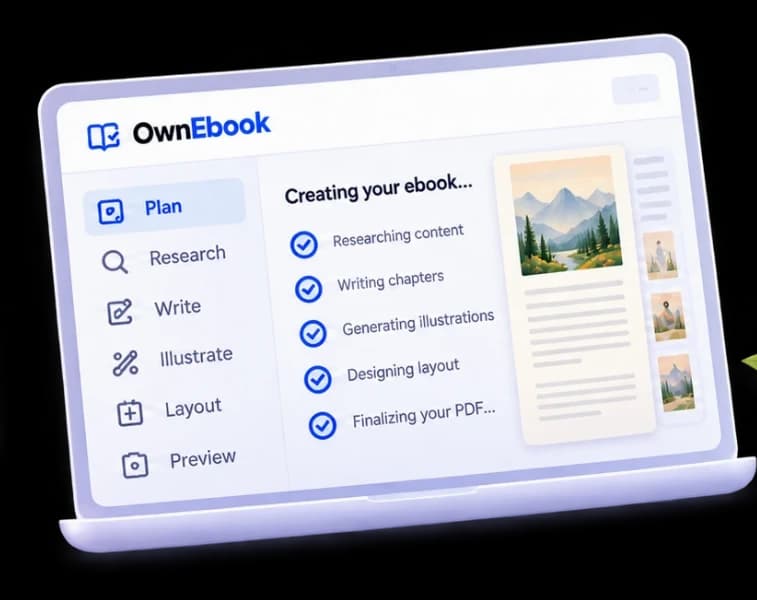
then export
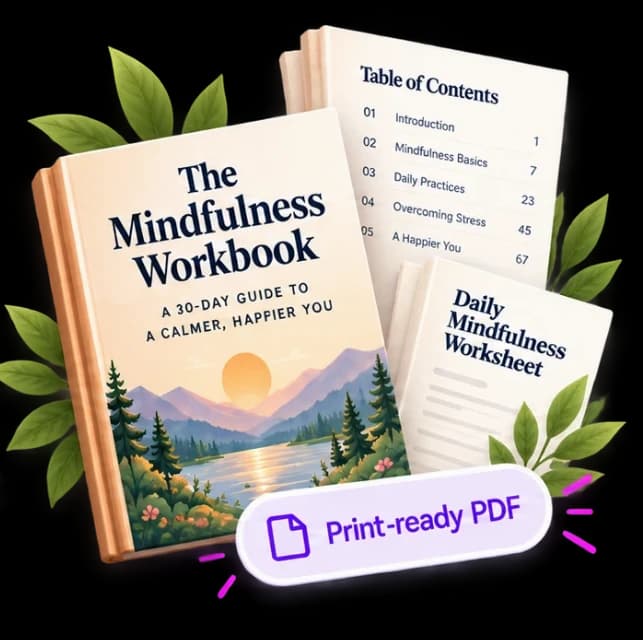
Sell where your audience already buys.
Export once. Publish where you want.

From a Screenshot to Your Own Ebook
An illustrative example. Your reference inspires an original ebook, ready for you to review.
Why OwnEbook
wins where others stop
More of the workflow, in one place.
Compared on the things creators care about most.
- More valueCreate, edit and export in one place.
- Less hassleKeep your book workflow together.
- Built for creatorsFocus on your ideas, not complicated tools.
- = Yes(Confirmed here)
- = Not confirmed(Check with provider)
Published features checked November 4, 2026. Not confirmed does not mean unavailable; plans and features can change.
Why OwnEbook wins
where others stop
More of the workflow, in one place.
Compared on the things creators care about most.


- = Yes(Confirmed here)
- = Not confirmed(Check with provider)
Published features checked November 4, 2026. Not confirmed does not mean unavailable; plans and features can change.
From one idea to products people can actually sell.
Books, workbooks, planners, activity books, guides and more.
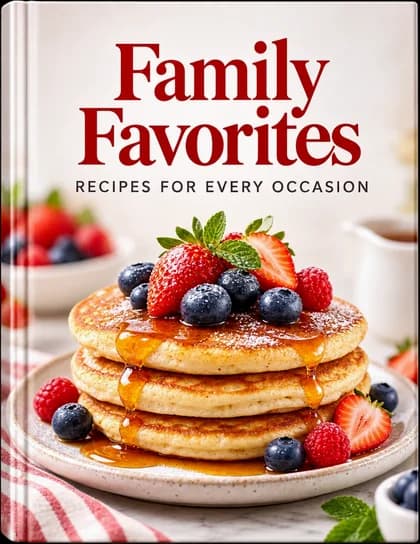
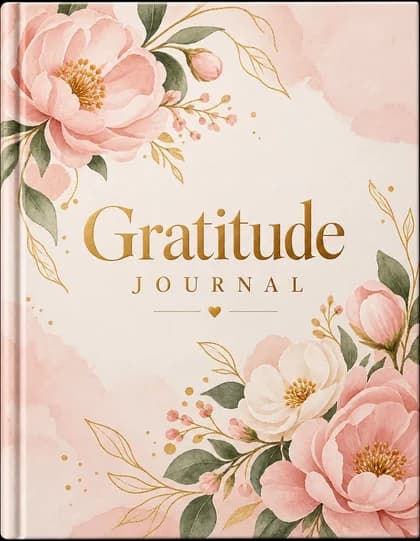
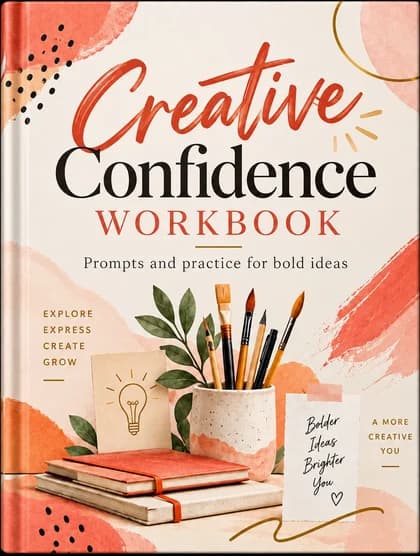
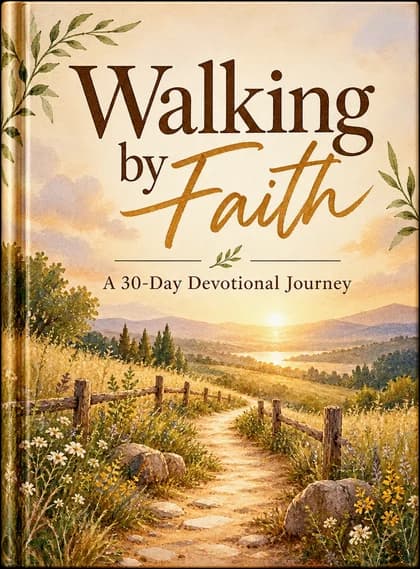
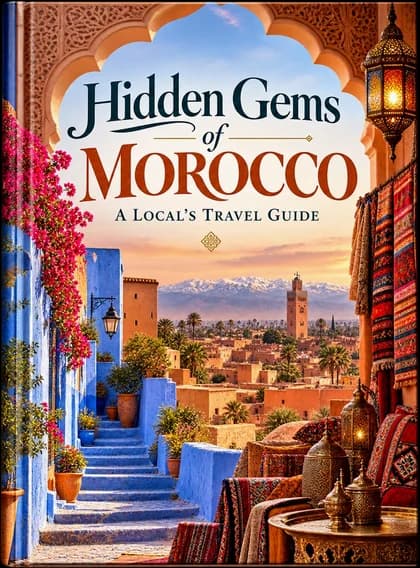
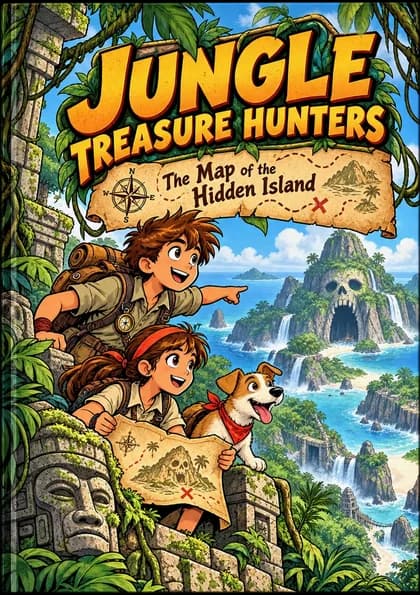

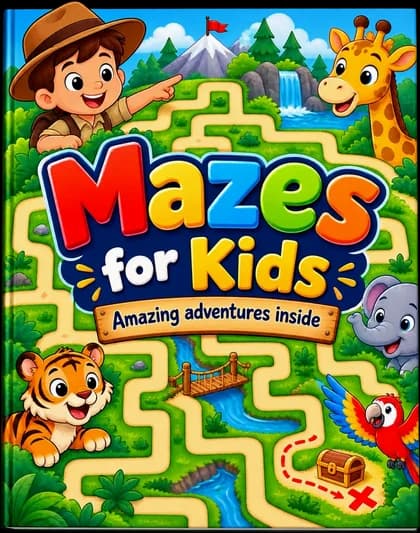
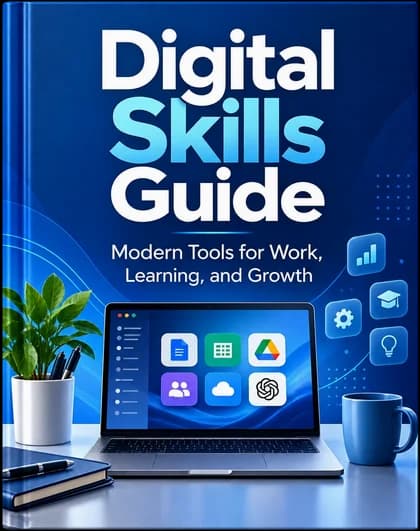
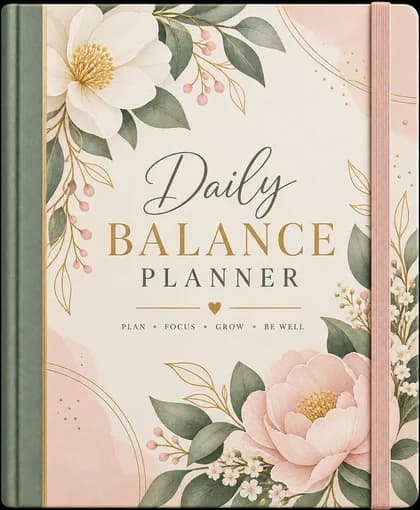
Design ideas, all 23 typesExplore design inspiration for all 23 product types
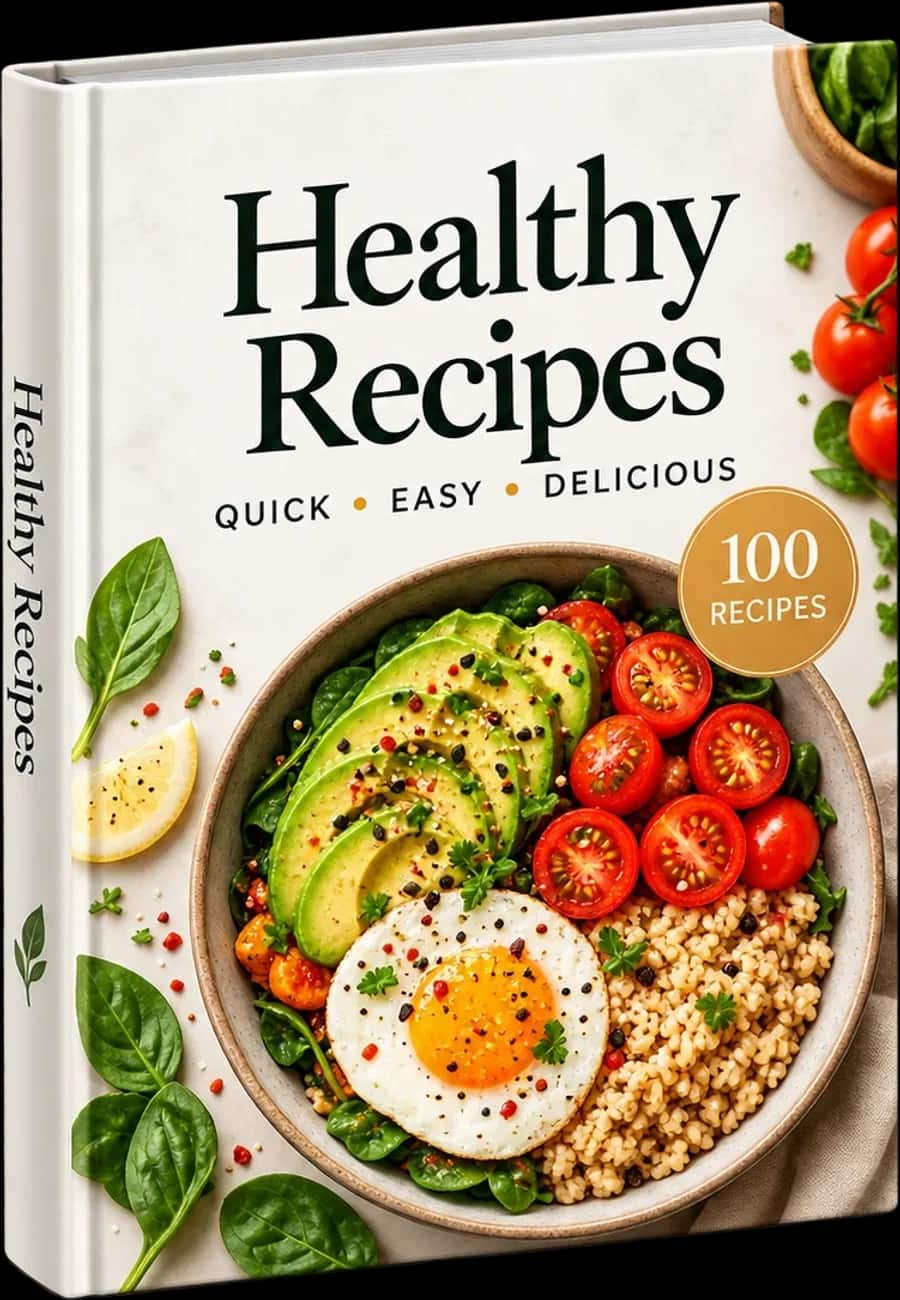
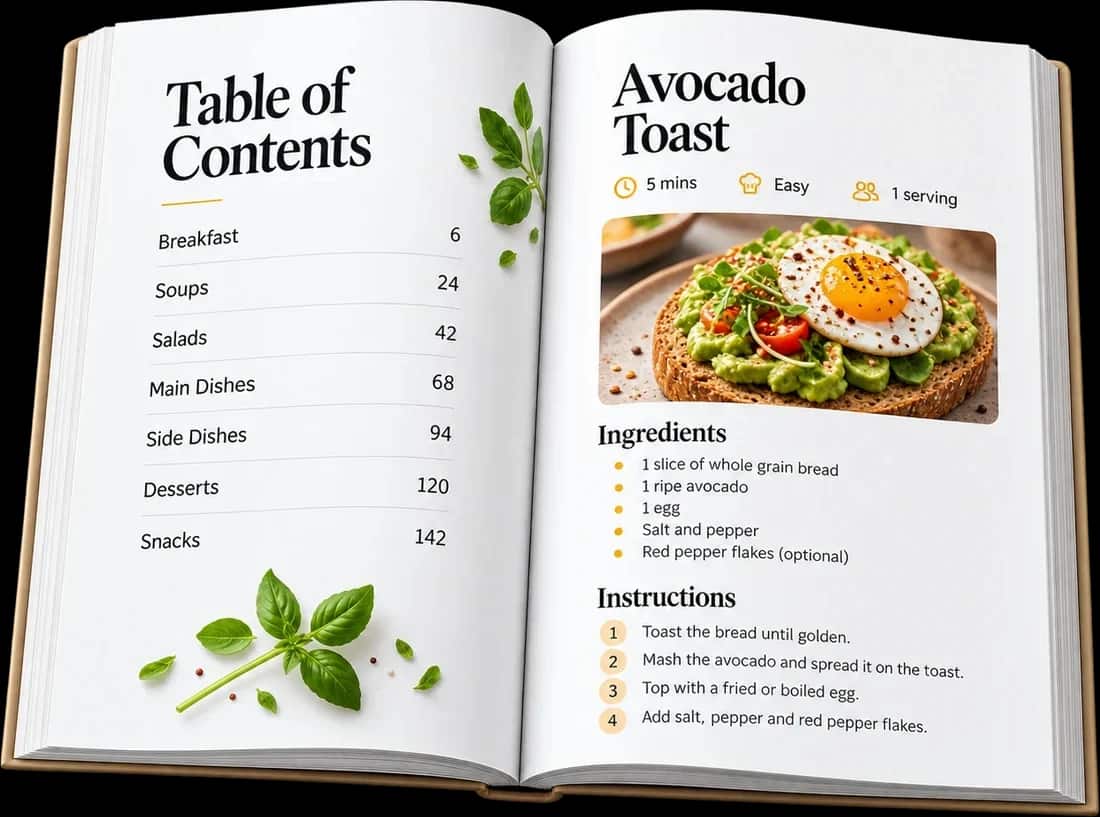
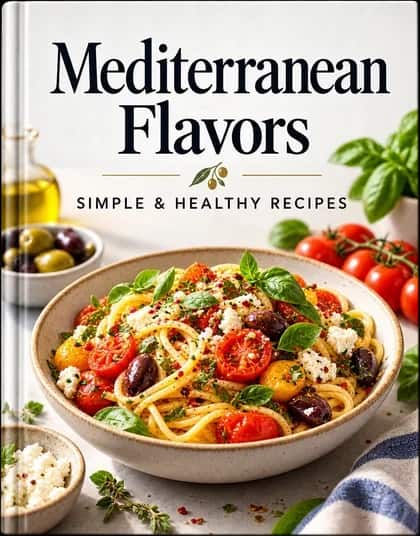
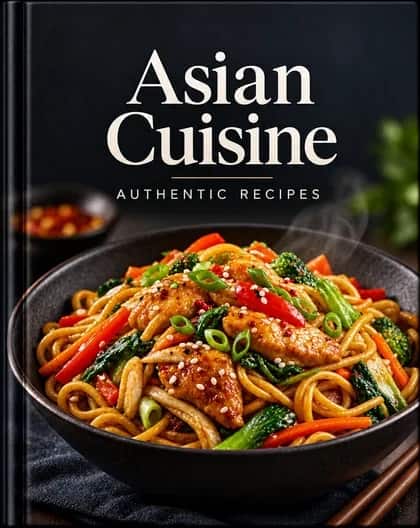
Turn recipes into beautiful cookbooks
Create stunning recipe books with organized layouts, ingredient lists, step-by-step instructions and beautiful food presentation.
More cookbook design ideas
Turn recipes into beautiful cookbooks
Create stunning recipe books with organized layouts, ingredient lists, step-by-step instructions and beautiful food presentation.
- Designed layouts with PDF preview
- Recipe-focused structure
- Perfect for food bloggers, chefs and creators
More cookbook design ideas
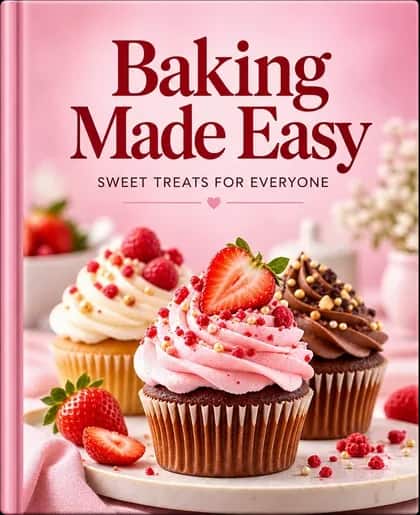
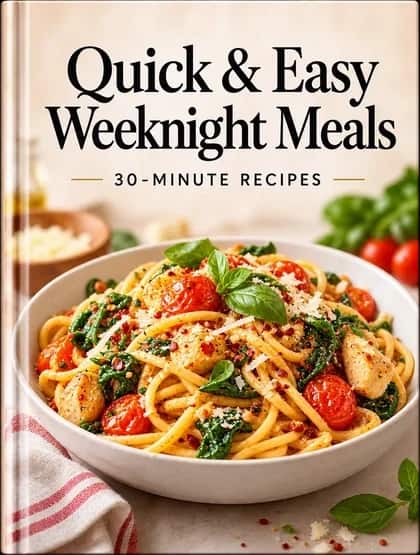
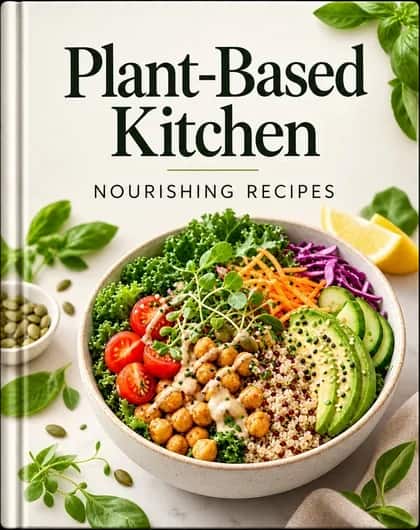
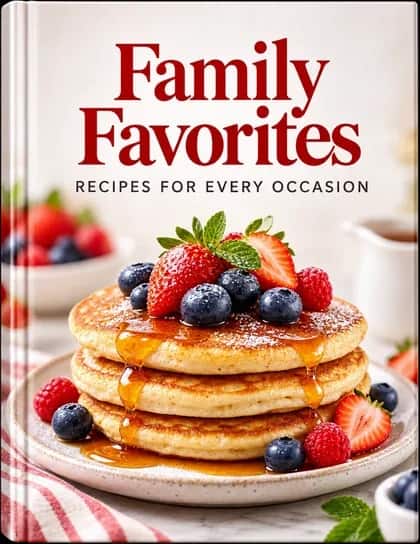
Ebook Creation Simulator
Find out how many ebooks you can create with your balance.
Estimated Result for $100
Estimates onlyYou can create about
Classic ebooks
(Short length)Estimated Number of Ebooks
With $100 · all lengths · no Astra
| Design Level | Approx. number of books |
|---|---|
| Classic | 17–54 books |
| Designer | 8–32 books |
| Premium | 11–44 books |
Classic — More Details
- Short booksUp to 20 pages25–54 books
- Medium booksUp to 40 pages20–38 books
- Long booksUp to 60 pages17–29 books
The number of ebooks depends on the book length and design level. With $100, you could create about 25–54 Classic short books. Your book’s estimated cost is shown before you start.
Illustrative written-book estimates, without Astra. Topic, images and extra edits can change the cost.Pay as you go.
Add funds to your OwnEbook wallet and use them to create any book type.
Buy prepaid credit for OwnEbook AI services. No automatic top-ups; Astra is a separate, optional subscription.
Start with $10. After each successful top-up, the minimum increases by $5: $15, $20, $25, $30… Your account shows your next minimum before checkout.
Download sample PDF · 21 pages- 1
Add fundsAdd fundsto your wallet
Pick an amount and top up.
- 2
Create any bookCreate any book
Any book type, from your balance.
- 3
Track usageTrack yourAI usage
See results and charges.


Add funds to your wallet
Choose an amount to fund your AI generation. Review the applicable price before each action.
Prices are shown before you start. Astra is optional.
AI Balance is non-transferable prepaid credit for creating and designing books in OwnEbook only. Review the price before each paid action. Existing credits purchased without an expiry keep those terms. A top-up does not buy lifetime access to the platform.

See the price upfront
Every book shows its cost before you create it.
Use it for any book type
Ebooks, workbooks, planners, journals, and more.
Clear service credit
AI Balance pays for your OwnEbook generation usage.

No subscription required
Pay as you go, or choose optional Astra.
Questions, answered
Everything you need to know before turning your first screenshot into a product.
Your next digital product starts with a screenshot.
Create an account, upload a screenshot or describe your idea, and watch the whole product come together — pay as you go; Astra is optional.